
Pick the right StableSwap pool
Provide StableSwap Liquidity works best as a clear sequence: define the constraint, compare the realistic options, test the tradeoff, and choose the path with the fewest hidden costs. That order keeps the advice usable instead of decorative. After each step, pause long enough to check whether the recommendation still fits the reader's actual situation. If it depends on perfect timing, unusual access, or a best-case budget, include a simpler fallback.
The simplest way to use this section is to write down the real constraint first, compare each option against it, and choose the path that still works outside ideal conditions.
Deposit assets into the pool
Adding liquidity to a StableSwap pool requires precision. Unlike volatile asset pairs, StableSwap pools rely on assets that track the same value, such as USDC and USDT. If you deposit the wrong ratio, the protocol will either reject the transaction or accept it at a significant loss to you.
Navigate to the Curve Finance interface and connect your Web3 wallet. Ensure you are on the correct network, such as Ethereum Mainnet or Arbitrum, where the target pool resides. Verify the URL matches the official documentation to avoid phishing sites.
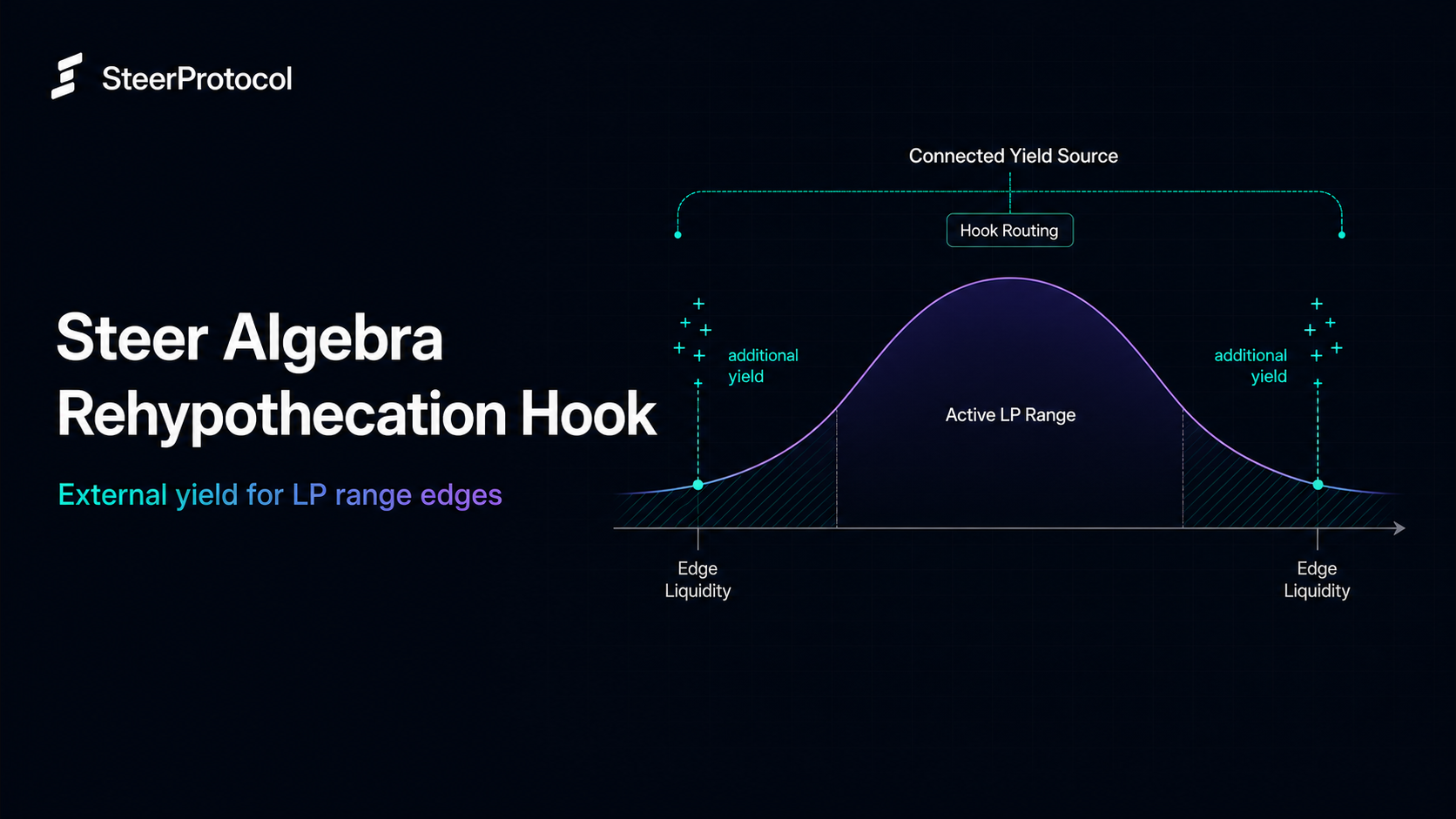
Use the search function to find the specific StableSwap pool you want to join. Look for pools that hold stablecoins pegged to the same asset, like the 3Pool (DAI, USDC, USDT). Check the trading volume and total value locked to ensure there is sufficient depth for your entry.
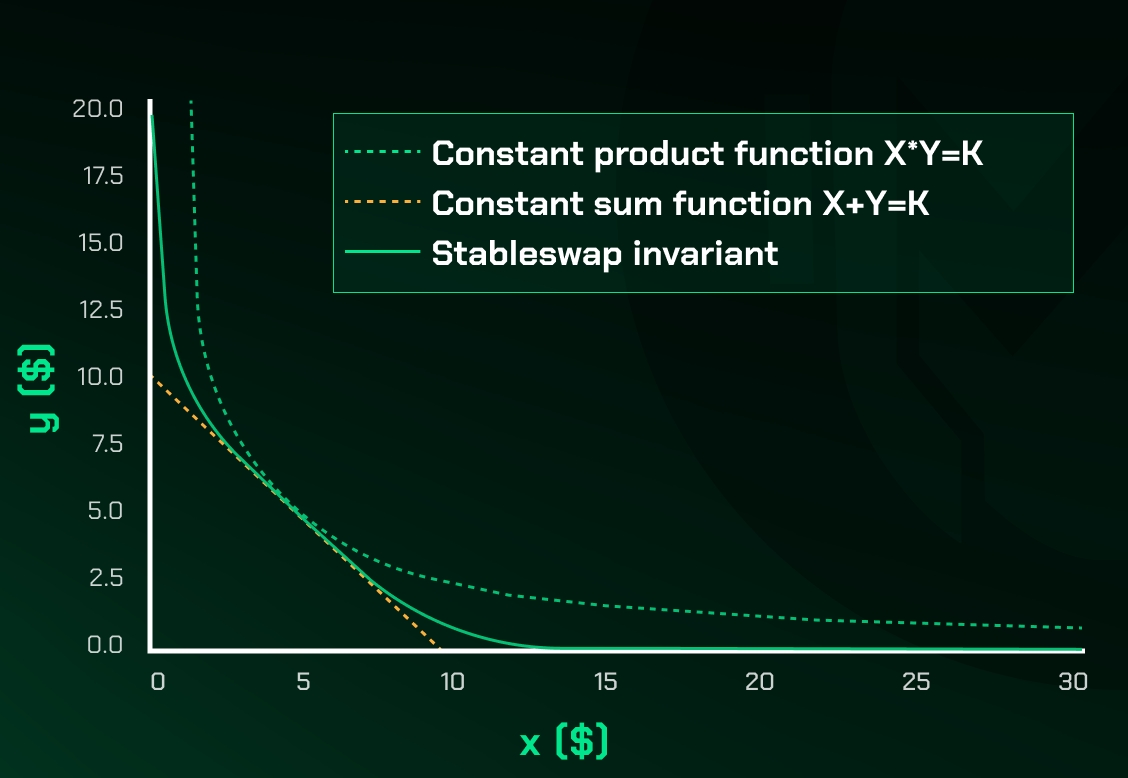
Enter the amounts for each asset you wish to provide. The interface will automatically calculate the required ratio based on the pool’s current weights. For a standard StableSwap pool, this ratio is typically 1:1:1 or 1:1. If the numbers look uneven, double-check that you are selecting the correct token addresses.
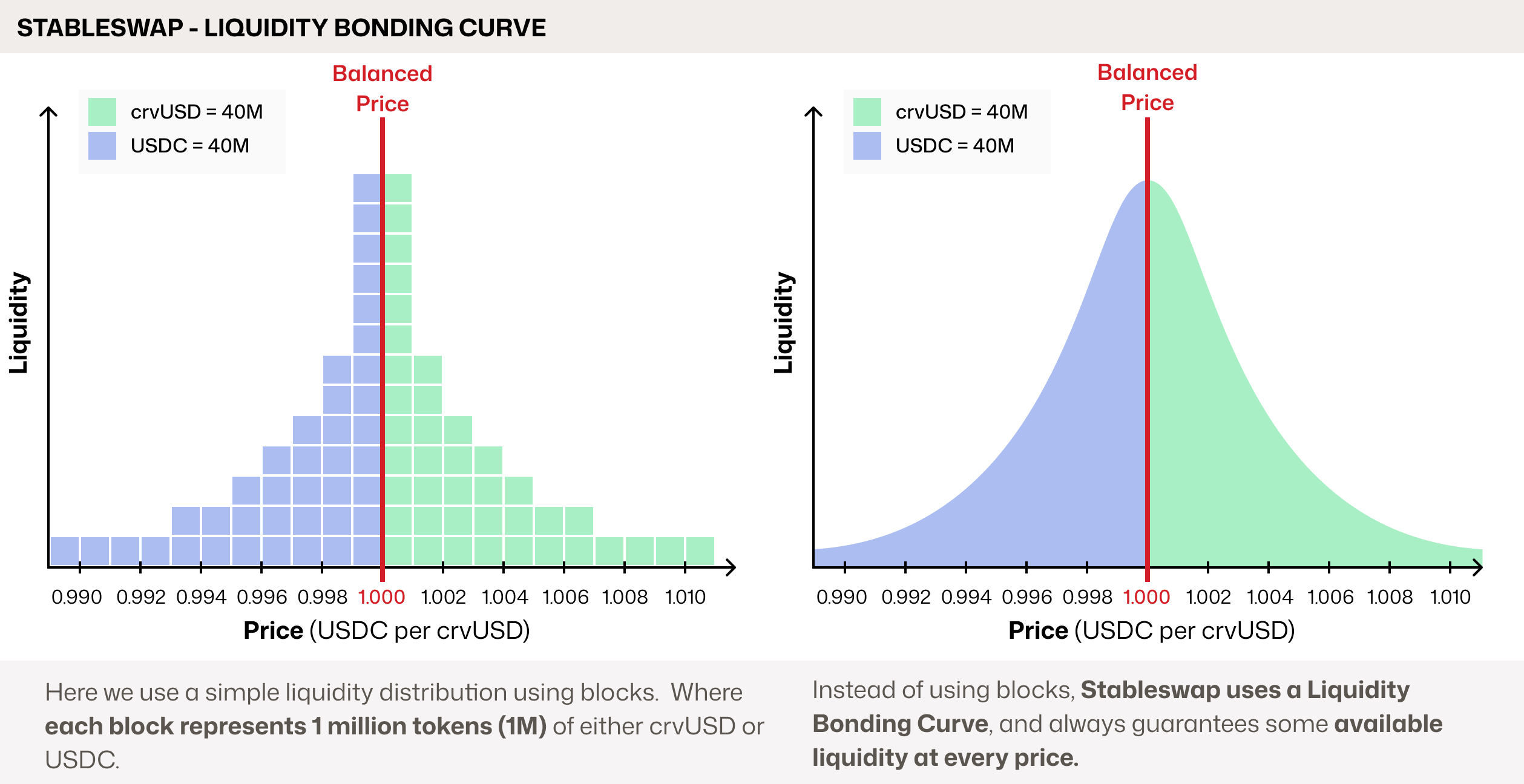
Before the deposit can execute, you must approve the Curve router contract to spend your tokens. This requires a separate transaction and a small gas fee. Wait for the approval transaction to confirm on the blockchain before proceeding to the final step.
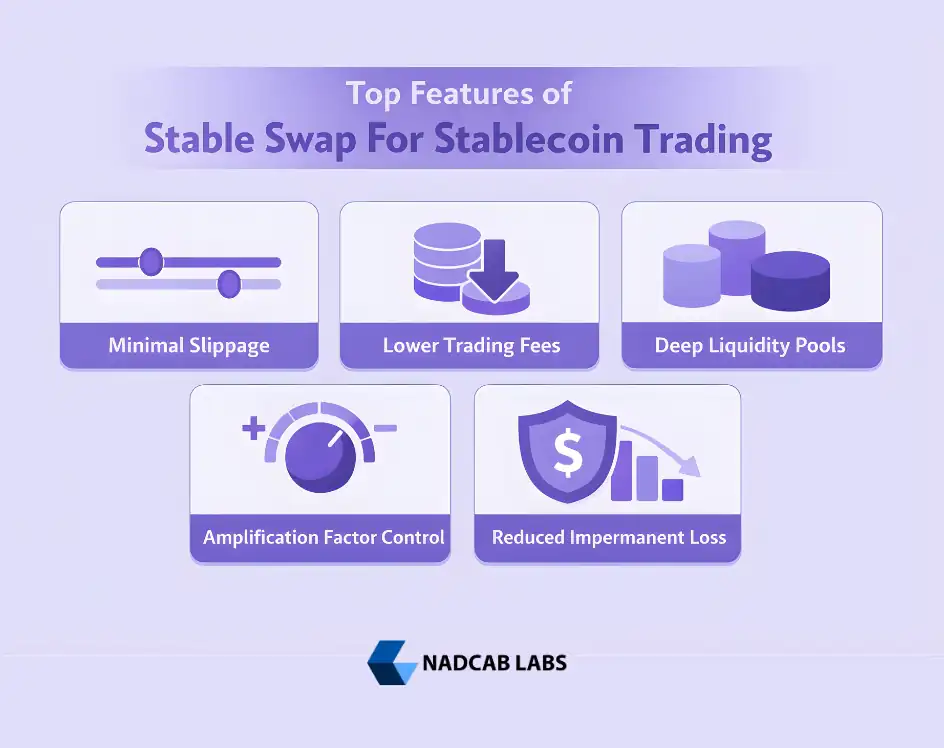
Click the "Add Liquidity" button. The system will display the exact number of LP tokens you will receive in return. These LP tokens represent your share of the pool and can be staked later for rewards. Review the details and confirm the transaction in your wallet.
The most common mistake is assuming the pool allows arbitrary ratios. StableSwap math is designed to keep assets balanced around their peg. If you try to deposit 100% USDC into a balanced pool, the contract will likely refuse the deposit or adjust it to match the existing asset mix. Always let the interface calculate the split for you to avoid slippage or rejection.
Monitor and rebalance positions
Provide StableSwap Liquidity works best as a clear sequence: define the constraint, compare the realistic options, test the tradeoff, and choose the path with the fewest hidden costs. That order keeps the advice usable instead of decorative. After each step, pause long enough to check whether the recommendation still fits the reader's actual situation. If it depends on perfect timing, unusual access, or a best-case budget, include a simpler fallback.
Avoid common StableSwap mistakes
Provide StableSwap Liquidity troubleshooting should start with a clear boundary: what is actually broken, and what still works normally. Check the display, network connection, paired devices, app access, and recent updates before assuming the whole system needs a reset. A small connection failure can make the main screen feel unreliable even when the core system is fine. Work from low-risk checks to deeper resets. Confirm power state, safe parking, account access, and signal first. Then restart the interface, wait for it to reload completely, and test the original symptom. Avoid changing multiple settings at once because that makes it harder to know which step actually fixed the problem. If the issue affects safety information, repeats after every restart, or appears with warning messages, treat the reset as a temporary diagnostic step rather than the final fix. Document the symptom and move to official support instead of stacking more DIY attempts.
The simplest way to use this section is to keep the setup small, verify each change, and record the stable configuration before adding optional accessories.
Check your yield and exit strategy
Tracking your actual returns is the only way to know if your StableSwap liquidity is working. The annual percentage yield (APY) shown on a dashboard is often a snapshot that changes with every trade. To see your true earnings, calculate the difference between what you deposited and what you can withdraw, then annualize that figure based on how long the funds were active.
In 2026, stablecoin pegs can drift during high volatility. Your exit strategy must account for this risk. Set specific triggers: if a coin drops below 0.98, consider withdrawing to preserve capital. If APY falls below a minimum threshold for more than a week, move your liquidity to a more active pool. This prevents your funds from sitting idle while earning nothing.
Before you withdraw, ensure you have claimed any pending rewards. Some protocols require a manual claim step before you can exit the pool. Once you have secured your profits and rewards, you can remove your liquidity safely.
-
Check current APY against historical averages
-
Assess peg stability for all assets in the pool
-
Withdraw liquidity from the pool
-
Claim any uncollected trading or incentive rewards
Frequently asked questions about StableSwap
StableSwap pools are designed for assets pegged to the same value, such as different stablecoins. Because the underlying assets maintain a fixed exchange rate, the mechanics differ significantly from volatile token pairs.
No comments yet. Be the first to share your thoughts!