
Why StableSwap Hub beats standard AMMs
Standard Constant Product Market Makers (CPMM), such as Uniswap V2, rely on x * y = k. This model penalizes trades involving assets with similar values. Swapping pegged stablecoins like USDC for USDT creates significant price impact, even when assets are nearly identical. This inefficiency manifests as high slippage, eroding profits for traders and limiting capital efficiency for liquidity providers.
StableSwap Hub employs a hybrid curve algorithm. As assets deviate from their peg, the curve behaves like a CPMM. As assets approach parity, it transitions to mimic a Constant Sum Market Maker (CSMM). This mathematical shift ensures minimal price impact for stablecoin pairs, effectively creating a "Uniswap with leverage" for stablecoins.
This architecture is critical for low-slippage operations. For arbitrageurs, reduced slippage allows tighter margins to yield profitable trades. For liquidity providers, the algorithm encourages deeper liquidity concentration near the peg, suppressing volatility. Routing stablecoin swaps through the platform bypasses standard AMM inefficiencies, securing better execution prices.
Connect your wallet to the StableSwap Hub
To execute low-slippage stablecoin swaps on the StableSwap Hub, establish a secure connection between your wallet and the Hub’s EVM-compatible interface. The Hub utilizes a Curve-style Automated Market Maker (AMM) designed to maintain tight pegs between assets like USDC and USDT. Proper network selection is critical; connecting to the wrong chain results in transaction failures or unintended exposure to unsupported liquidity pools.
1. Navigate to the official StableSwap Hub interface
Access the Hub through its verified domain. Ensure you are on the correct URL to avoid phishing sites. The Hub’s dashboard provides the primary entry point for all swap operations. Verify the URL in your browser’s address bar before proceeding.
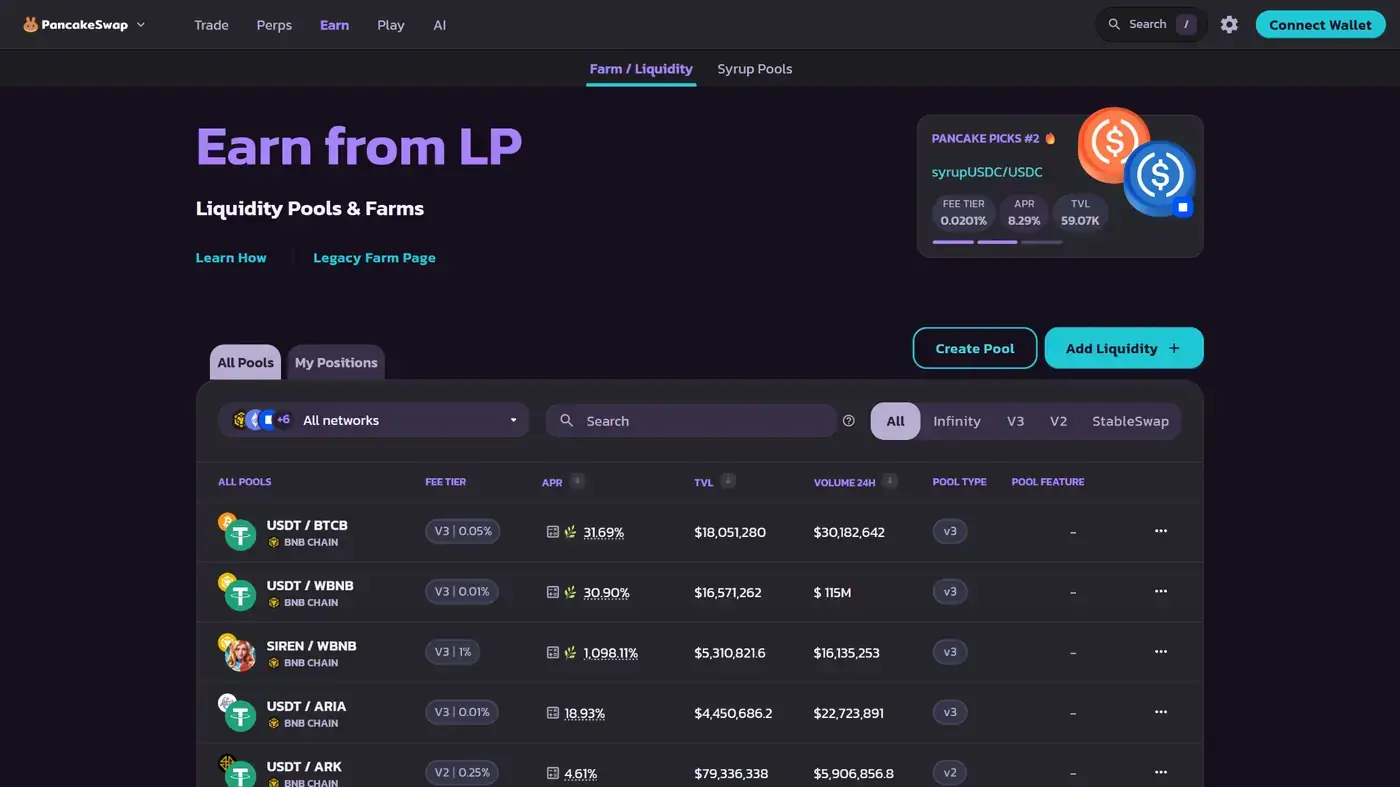
Locate the official StableSwap Hub URL in your browser. Verify the domain to ensure you are interacting with the legitimate AMM interface. Avoid clicking links from unverified social media sources. The dashboard should load with current pool statistics and swap widgets ready for interaction.
Open your wallet provider and switch to the specific EVM chain where the StableSwap Hub is deployed. This is typically a layer-2 or sidechain optimized for stablecoin efficiency. Ensure your wallet is not set to a generic mainnet if the Hub operates on a specialized network. Incorrect network selection prevents the interface from recognizing your address.
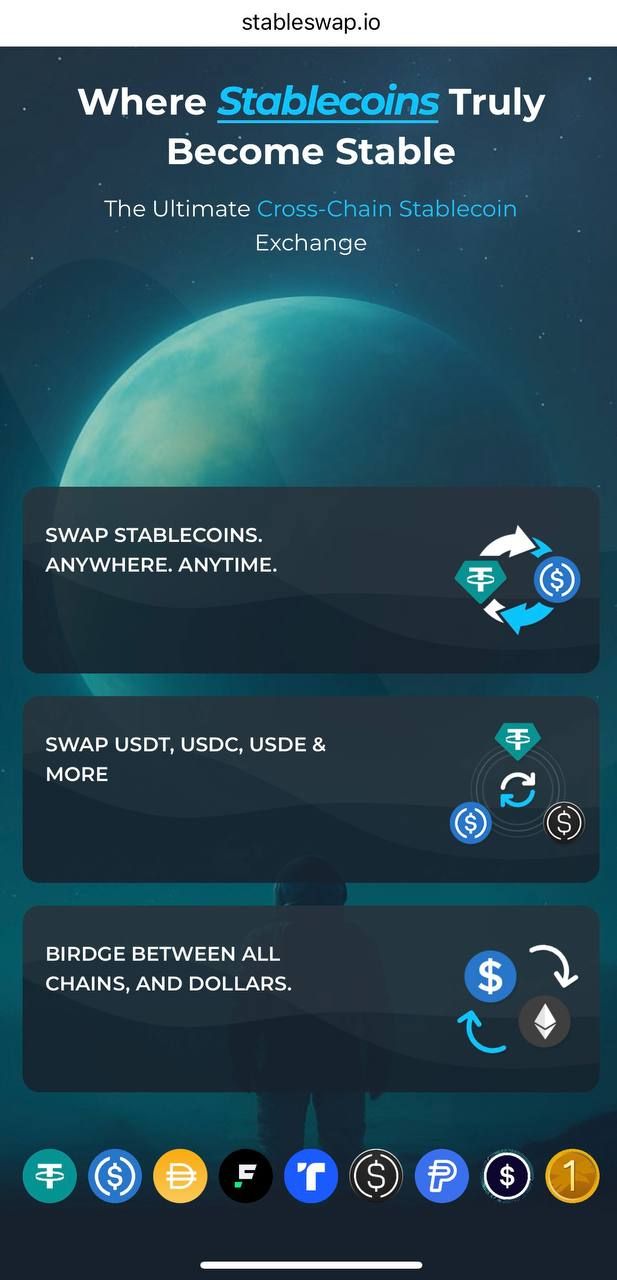
Click the "Connect Wallet" button on the Hub interface. Approve the connection request in your wallet popup. Immediately verify that the displayed chain ID in the Hub UI matches the network selected in your wallet. This confirmation ensures your transactions will route through the correct liquidity pools, such as the USDC/USDT curve, minimizing slippage risks.
2. Verify network compatibility and gas tokens
After connecting, confirm that your wallet displays the correct network ID. The StableSwap Hub operates on specific EVM-compatible chains to leverage algorithmic efficiency. If the chain ID does not match, disconnect and re-select the proper network. Additionally, ensure your wallet holds the native gas token (e.g., ETH, MATIC, BNB) for the selected chain. Without sufficient gas, swap transactions will fail, regardless of pool liquidity.
3. Confirm pool liquidity and asset availability
Once connected, the Hub interface should display available stablecoin pairs. Check the liquidity depth for your target pair, such as USDC to USDT. The StableSwap curve provides higher capital efficiency for pegged assets, but verifying liquidity ensures your swap size does not exceed optimal thresholds. This step mitigates the risk of partial fills or unexpected price impact during execution.
Execute the swap
The platform uses a specialized algorithm that keeps trading costs low by maintaining a tight peg between stablecoins. When you swap assets like USDC for USDT, the protocol prioritizes the StableSwap curve over standard automated market maker routes. This design choice ensures that even larger trades experience minimal slippage, preserving capital efficiency. The interface is built to reflect this mechanical advantage, guiding you through a streamlined execution flow.
Open the swap interface. Select the stablecoin you wish to sell in the input field and the target stablecoin in the output field. The system automatically detects the pair and applies the appropriate liquidity pool logic. Ensure you are selecting standard ERC-20 versions of the assets to avoid compatibility issues with the underlying curve.

Input the exact quantity of tokens you want to swap. The interface will immediately calculate the expected output based on current pool reserves. Because the platform optimizes for low-slippage stablecoin swaps, the price impact remains negligible even as the input amount increases, provided the pool has sufficient depth.
Before confirming, inspect the "Route" or "Price Impact" section. The interface should indicate that the swap is routed directly through the StableSwap curve rather than a standard AMM. This verification is critical; it confirms that the algorithmic pricing is active, which is the primary mechanism for keeping slippage near zero. If the route shows multiple hops or high slippage, the pool may be under-liquided or the pair unsupported.
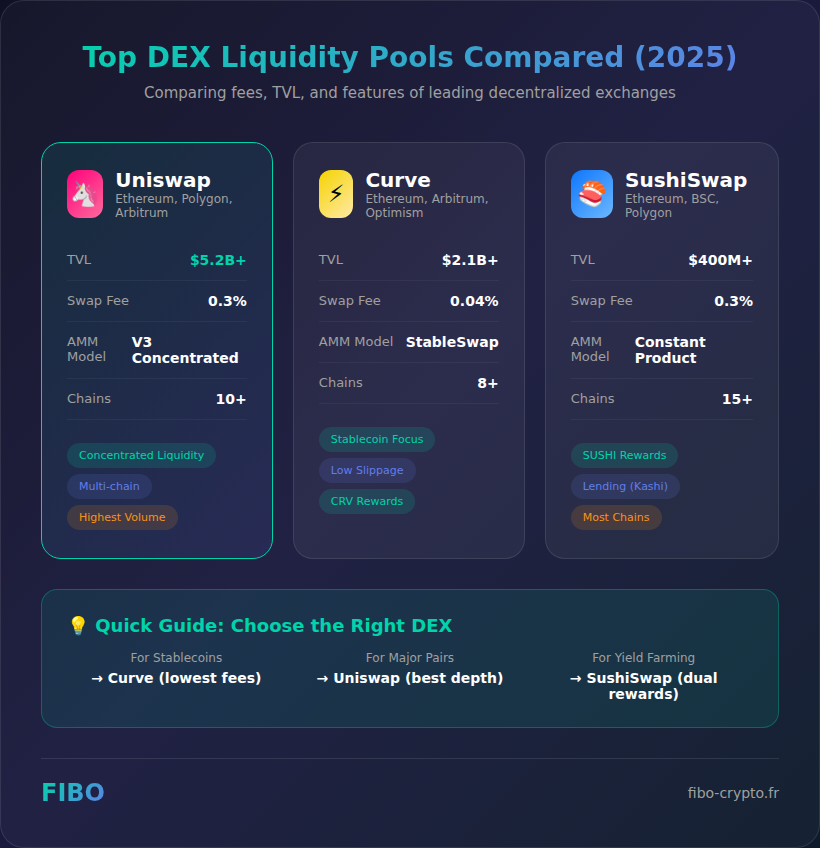
Adjust the slippage tolerance setting in the swap menu. For stablecoin-to-stablecoin trades, a tolerance of 0.1% to 0.5% is typically sufficient due to the low volatility of the assets. Setting this too high exposes you to potential front-running or execution errors, while setting it too low may cause the transaction to fail during high network congestion. The default setting is usually optimized for this specific use case.
Review the final output amount and the network fee. Click "Swap" and approve the token spend in your wallet if it is your first time using this pool. Once the transaction is confirmed on-chain, your new stablecoin balance will reflect immediately. The efficiency of the StableSwap curve ensures that the difference between the expected and actual output is minimal, validating the low-slippage design.
The mechanical advantage lies in its ability to decouple price from traditional AMM curves. By keeping users on the stablecoin curve, the protocol mitigates the slippage that typically plagues large stablecoin trades on general-purpose DEXs. This section outlines the precise UI actions required to leverage that advantage.
Adding Liquidity to StableSwap Pools
Becoming a liquidity provider allows you to earn fees from low-slippage trades while contributing to the protocol's efficiency. Unlike volatile asset pairs that suffer from impermanent loss, StableSwap pools use a specialized algorithm to keep token ratios stable, making them a lower-risk entry point for LPs. The protocol requires proportional deposits to ensure the pool's mathematical integrity and to prevent arbitrageurs from exploiting price discrepancies.
Log in to your wallet connected to the platform. Navigate to the main dashboard and select the Liquidity tab from the top navigation bar. This section aggregates all available pools, allowing you to filter by asset type or volume. Locate the specific pool you wish to join, such as the 3pool for USDT, USDC, and DAI, or a metapool for wrapped tokens.
Click on the target pool to view its current composition. The interface displays the current reserve amounts and the required deposit ratios for each asset. For a standard StableSwap plain pool, the protocol expects deposits that mirror the existing pool weights. If the pool is balanced, this typically means a 1:1:1 ratio for equal-weight pools. Ensure you hold sufficient balances of all required assets before proceeding.
Enter the amounts of each token you wish to deposit. The platform automatically calculates the total liquidity tokens (LP tokens) you will receive, which represent your share of the pool. Because the protocol enforces proportional deposits, you cannot add just one asset without adding the others in the correct proportion. This mechanism prevents immediate dilution of existing LPs and maintains the pool's stability against impermanent loss.
Review the transaction details, including the estimated slippage and the amount of LP tokens you will mint. If this is your first time interacting with the pool, you must approve the token contracts to spend your assets. Click Add Liquidity to confirm the transaction. Once the blockchain confirms the block, your assets are deposited, and the LP tokens are transferred to your wallet, entitling you to a share of the trading fees.
The StableSwap mechanism mitigates impermanent loss by applying a damping factor to the constant product formula. This ensures that small deviations in token prices have minimal impact on the pool's value, unlike traditional AMMs where volatility can erode LP capital rapidly. By depositing in the correct ratio, you align your position with the pool's equilibrium, maximizing fee earnings while minimizing exposure to price divergence.
Avoiding common StableSwap Hub mistakes
The protocol’s algorithmic efficiency relies on strict adherence to its design parameters. It is engineered for low-slippage trading among assets with pegged values. Misapplying these pools to volatile assets or neglecting metapool maintenance introduces unnecessary risk and capital inefficiency. Understanding these mechanics is essential for preserving yield and minimizing slippage.
Providing liquidity to non-stable pairs
The StableSwap curve maintains stability by reducing fees and slippage for assets that share a similar value range. Introducing highly volatile assets into these pools disrupts this balance. When a volatile asset is paired with a stablecoin, the invariant struggles to maintain the peg, leading to significant impermanent loss for liquidity providers. This dynamic defeats the primary purpose of using the platform for capital preservation. Always verify the asset class before depositing. If the pair involves standard cryptocurrencies with divergent price action, the protocol’s Curve documentation recommends switching to Cryptoswap pools, which are optimized for such volatility.
Ignoring metapool rebalancing
Metapools in the platform often rely on underlying base pools to maintain their peg. Over time, as the underlying assets shift in value or proportion, the metapool can drift from its optimal state. This drift increases slippage for traders and reduces the efficiency of your liquidity. Regularly monitoring the health of the underlying base pools is necessary. If a base pool becomes imbalanced, the metapool’s performance will degrade. Rebalancing involves withdrawing liquidity from the imbalanced base pool, adjusting the ratio, and redepositing. This process ensures that the interface continues to offer the tight spreads you expect.
Failing to claim accrued rewards
The platform incentivizes liquidity provision through governance token rewards. These rewards accrue based on your share of the pool and the duration of your deposit. However, they do not compound automatically in most configurations. Leaving rewards unclaimed represents a direct loss of yield. Regularly interacting with the platform to harvest these rewards is a simple but critical step. Neglecting this task allows your potential earnings to sit idle, reducing the overall annual percentage yield (APY) of your position. Set a reminder to claim rewards periodically to maximize the efficiency of your capital.
Verifying yields and withdrawing funds
Once your liquidity is active, the primary concern shifts to monitoring the stability of your position and executing withdrawals with minimal slippage. The StableSwap curve is designed to maintain tight pegs, but yield accrual and withdrawal mechanics require precise timing to avoid unnecessary fees or price impact.
Step 1: Monitor accrued rewards and pool health
Before initiating any withdrawal, verify that your yield rewards have been accurately reflected in your dashboard. Check the pool’s current swap fees and total value locked (TVL) to ensure the algorithmic balance remains healthy. If the pool has experienced significant volatility, the platform may adjust its fee structure or amp factors, which can temporarily affect withdrawal efficiency.
Navigate to your position and confirm that LP tokens or reward balances have updated. Look for any pending governance votes that might alter pool parameters, as these can pause withdrawals or change fee distributions.
Step 2: Execute the withdrawal
Withdrawing liquidity involves burning your LP tokens to retrieve the underlying assets. The interface handles the curve calculations automatically, but you must ensure you have sufficient gas for the transaction. For pools with multiple assets, the withdrawal ratio is determined by the current pool balance, not your initial deposit ratio.
Select the "Withdraw" option for your specific pool. Review the output amounts for each asset to ensure they align with your expectations. Confirm the transaction in your wallet, noting that large withdrawals may experience slight slippage if the pool depth is insufficient.
Step 3: Confirm final balance and gas usage
After the transaction is confirmed on-chain, verify that your wallet balances have updated correctly. Check the gas fees paid to ensure they were reasonable relative to the value withdrawn. If the withdrawal resulted in unexpected asset ratios, review the pool’s recent swap history to understand if market conditions skewed the curve temporarily.
Open your wallet and cross-reference the withdrawn amounts with the transaction receipt. If discrepancies arise, consult the platform support or the pool’s on-chain explorer for detailed breakdowns of the curve execution.
No comments yet. Be the first to share your thoughts!